Screen time, reimagined.
Break the Doom-Scrolling Loop.
Win a 30-second brain game to earn your screen time. The friction is real, not a dismiss button.
Block TikTok, Instagram, YouTube and 250+ more. 3 cognitive challenges. No account needed.
 Free forever · 3-day premium trial · iOS 16+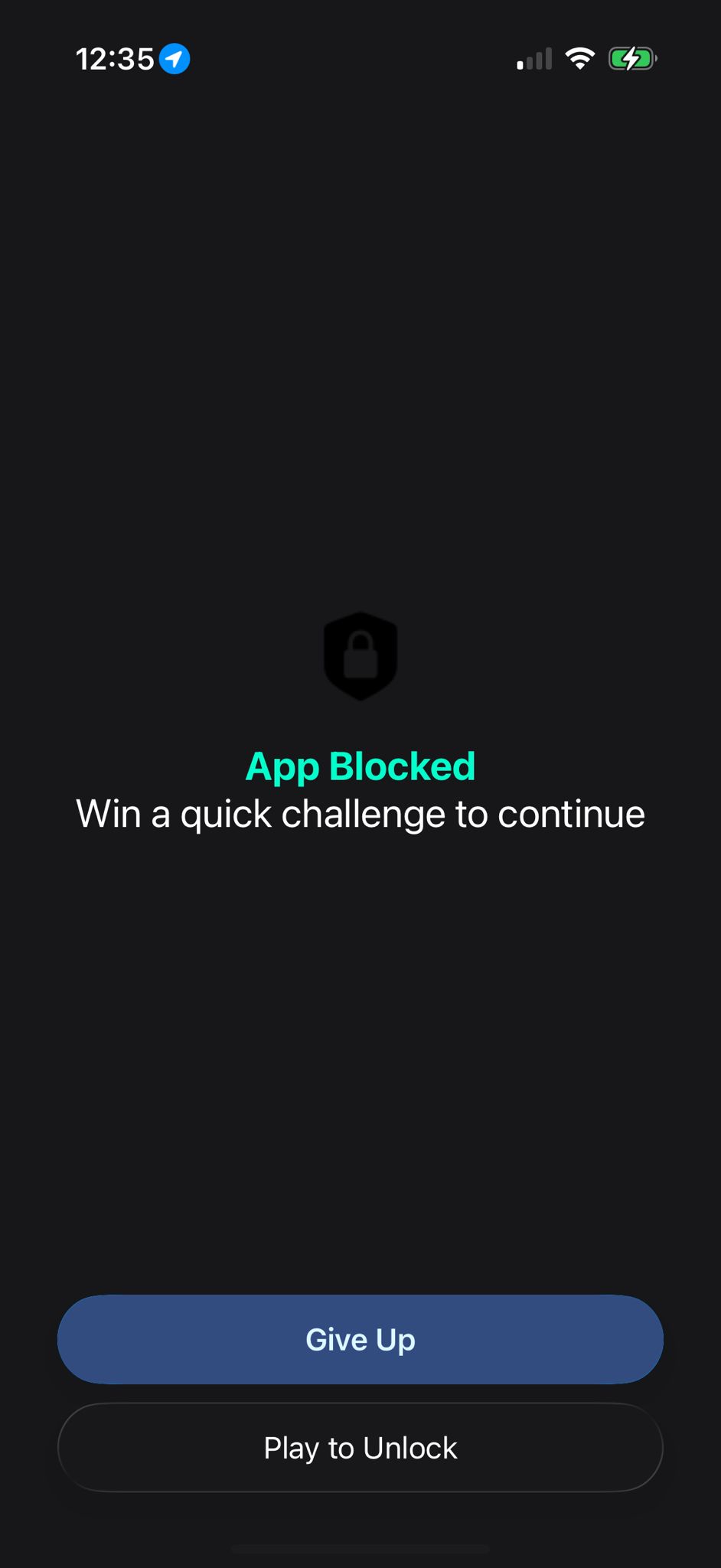

I built AppGlitch to solve my own problem. Reddit and YouTube Shorts were eating a third of my day. After using it, my screen time dropped from ~8 hours to under 3 hours on average — and it’s still decreasing.
Adrian Bigaj
Founder & Developer
What Is AppGlitch?
AppGlitch is a gamified screen time management app for iPhone that blocks addictive apps until you win one of three cognitive brain games — Ball Dash, Pattern Lock, and Chroma Clash. Unlike Apple's built-in Screen Time limits that are easy to dismiss, AppGlitch creates real friction through active cognitive engagement. Your brain has to earn its dopamine hit.
Whether you want to stop doom scrolling, reduce phone addiction, or take a digital detox, AppGlitch turns screen time management into a 30-second challenge. Choose INSTANT mode to block apps immediately, or DELAYED mode to set time limits. Block TikTok, Instagram, YouTube, Reddit, or any of 250+ supported apps. All data stays on your device — no accounts, no tracking, no data collection.
Built to Fight Your Feed
App blocking meets brain games. Active cognitive engagement that forces a real pause before the scroll.
3 Brain Games
30 seconds of cognitive engagement stands between you and the scroll. A random game is selected each time — no shortcuts.
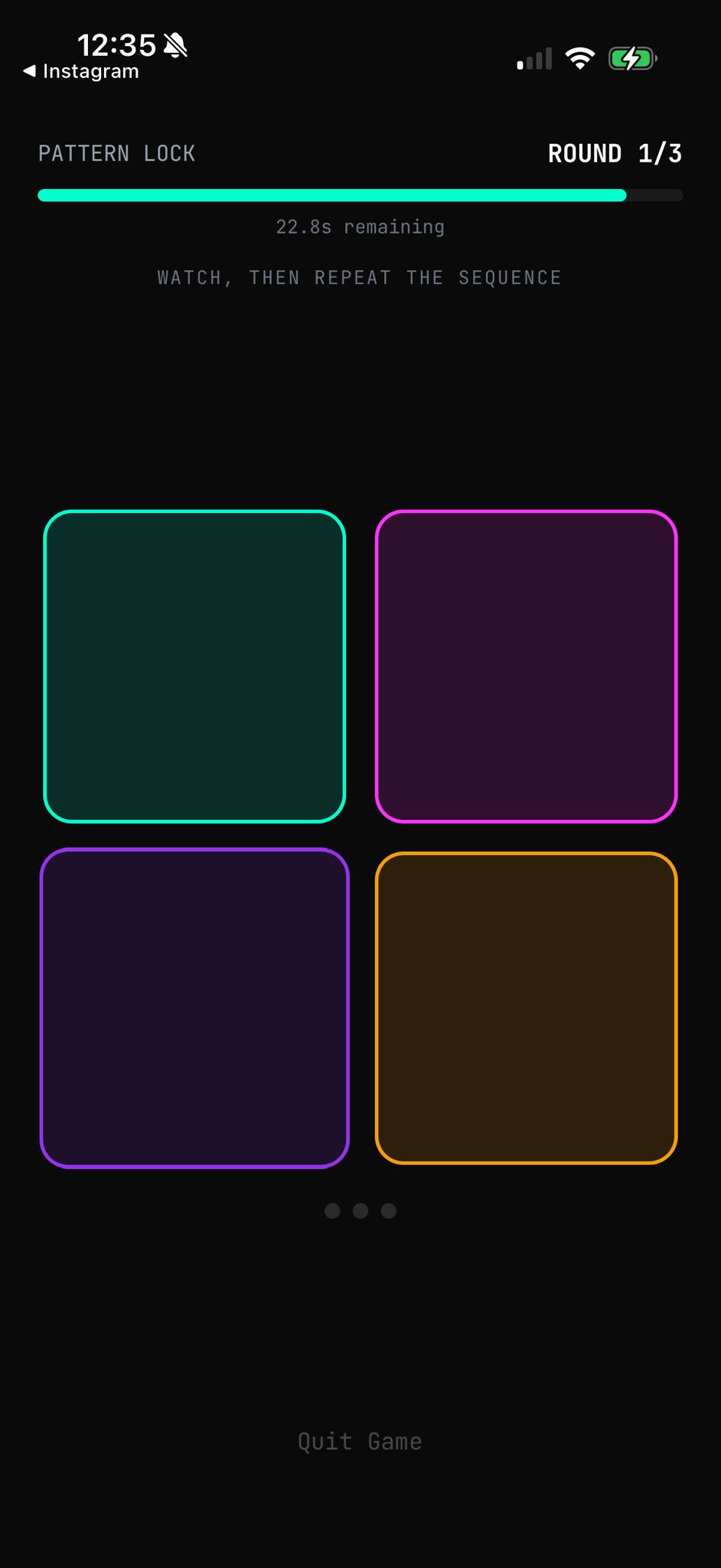
Pattern Lock
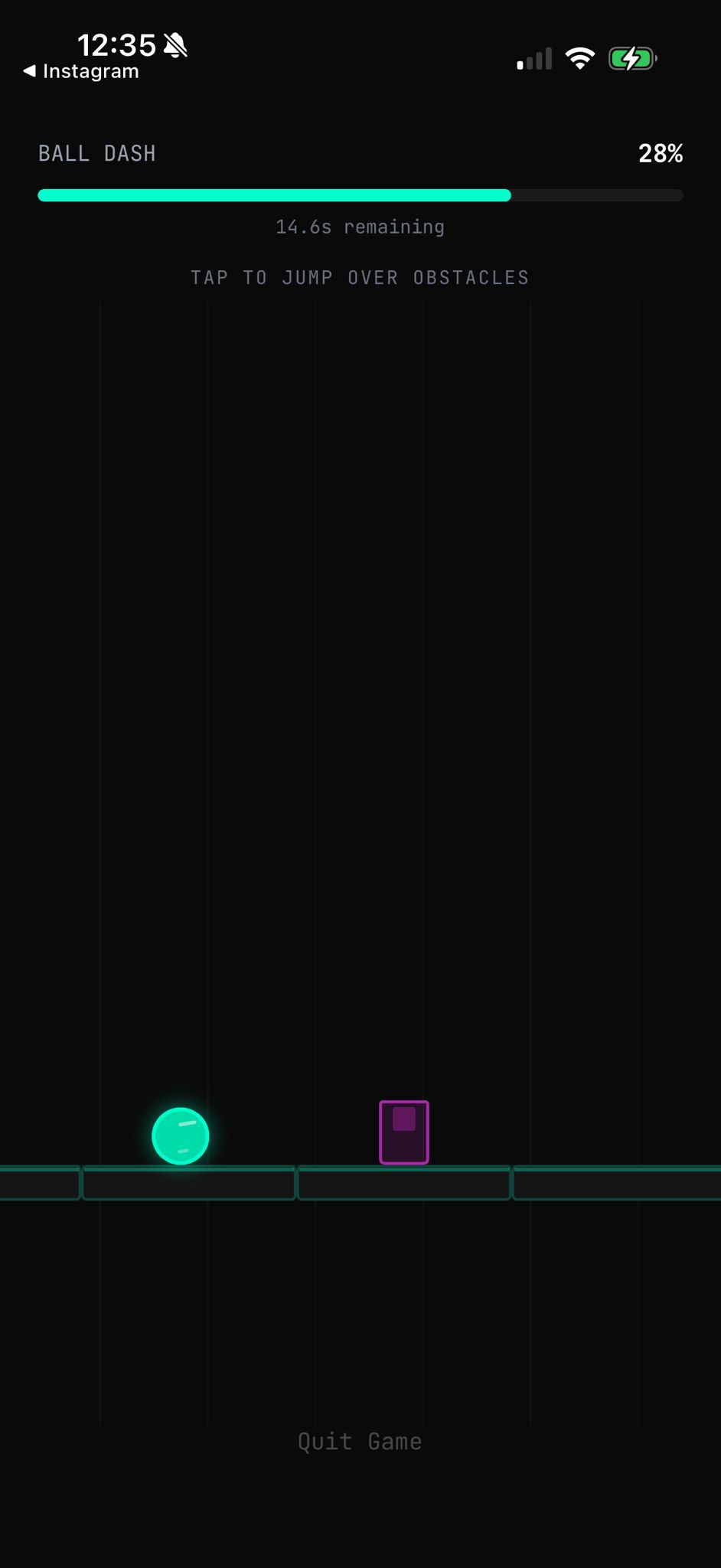
Ball Dash
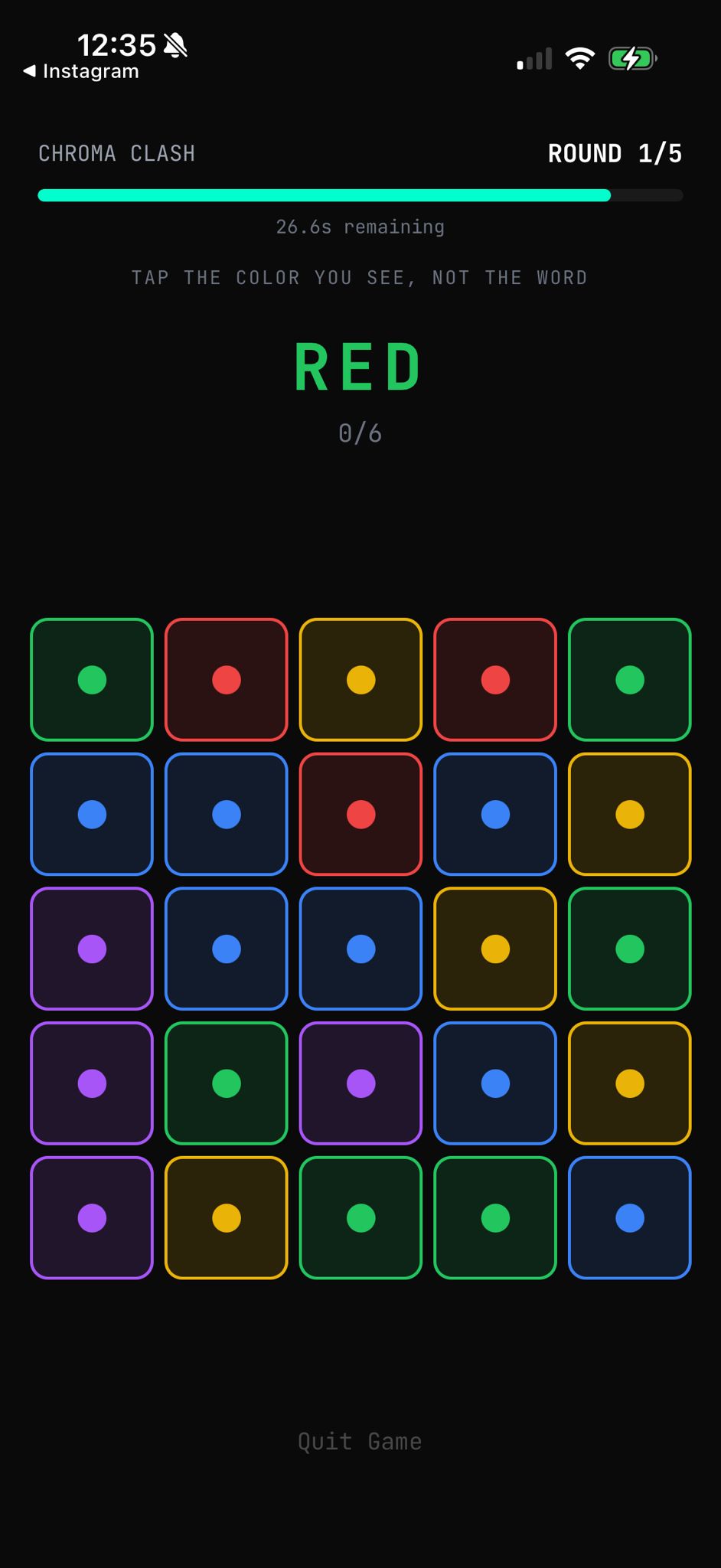
Chroma Clash
Shield System
Unlike Screen Time limits you dismiss in one tap, the shield won't budge until your brain proves you actually want in. Pick your apps, pick your mode — the rest is automatic.
Per-App Timers
DELAYED mode lets you set a timer per app. Use it freely until time runs out, then the shield snaps back.
Privacy First
Zero data leaves your iPhone. No accounts. No tracking. What you block stays between you and your screen.
How the Override Works
Add apps to your block list
Pick apps in AppGlitch and choose a mode: INSTANT blocks immediately, DELAYED sets a timer before the shield kicks in.
Open a blocked app
The Screen Time shield intercepts it. Tap the shield button and a notification sends you to AppGlitch to play.
Win a brain game
A random brain game launches — 30 seconds of focus. Win and the app unlocks. Lose? You play again — no shortcuts.
Use your app, guilt-free
Full access until the timer runs out (DELAYED) or until next open (INSTANT). Then the shield reactivates.
Free Forever. Seriously.
Start with 1 blocked app, INSTANT mode, and Ball Dash — free forever, no strings attached. Unlock all 3 brain games, unlimited apps, and DELAYED mode with a 3-day free trial of Premium.
$0
Free forever
$2.99
per month
$39.99
lifetime
Discover the full details inside the app. Managed through the App Store.
Frequently Asked Questions
AppGlitch is a screen time management app that blocks doom-scrolling apps until you win a brain game. Instead of rigid timers or easily-dismissed reminders, AppGlitch uses active cognitive challenges to create a meaningful pause before you open addictive apps. Your brain has to earn its dopamine hit.
You add apps to your block list inside AppGlitch and choose a mode (INSTANT or DELAYED). When you open a blocked app, Apple's Screen Time shield appears. Tap the shield button, and a notification opens AppGlitch where you play a random brain game. Win the game to unlock the app. Lose and you play again.
INSTANT mode activates the shield right away — every time you open the app, you must win a game first. DELAYED mode lets you set a timer (e.g., 15 or 30 minutes). You use the app freely until the timer runs out, then the shield activates and you need to win a game to continue. Both modes are configurable per app.
AppGlitch is free to download with a generous free tier: 1 blocked app, INSTANT mode, and the Ball Dash game — yours forever. When you first open the app, you can start a 3-day premium trial (all features unlocked, payment method required via App Store). After the trial, choose a Monthly, Yearly, or Lifetime plan — or stay on the free tier at no cost.
AppGlitch includes 3 cognitive brain games: Ball Dash (tap-to-jump reflex runner — dodge obstacles in 30 seconds), Pattern Lock (watch a sequence, repeat it from memory — gets harder each round), and Chroma Clash (Stroop effect challenge — tap the color of the text, not the word). A random game is selected each time you try to unlock an app.
Yes, completely. All data stays on your device. AppGlitch doesn't collect usage data, browsing history, or personal information. There are no accounts to create and no data is ever sent to external servers.
You can block any app installed on your iPhone using Apple's native app picker. AppGlitch also includes a curated list of 250+ popular apps for quick selection, including social media, video streaming, gaming, and shopping apps.
The most effective way to stop doom scrolling is to add friction before opening addictive apps. AppGlitch does this by requiring you to win a 30-second brain game before accessing apps like TikTok, Instagram, or YouTube. This active cognitive engagement breaks the automatic habit loop and shifts your brain from passive scrolling mode back to conscious decision-making.
Apple's built-in Screen Time uses passive time limits that are easy to dismiss with a single tap. AppGlitch takes a different approach: instead of a timer you can override, it requires you to win a brain game to unlock blocked apps. This active cognitive engagement is more effective at breaking habits because it forces your prefrontal cortex to wake up rather than showing a dismissible notification.
Yes. AppGlitch can block any app on your iPhone, including TikTok, Instagram, YouTube, Twitter/X, Reddit, Snapchat, and 250+ other popular apps. You can select apps individually using Apple's native app picker or choose from the curated list.
AppGlitch is currently available for iOS only. It requires iOS 16 or later and uses Apple's Screen Time API, which is only available on iPhones.
Your Brain, Your Rules.
Block the apps that waste your time. Win a brain game to get back in. The friction is real — not a dismiss button.
Free forever · 3-day premium trial · iOS 16+